French software publisher · In-store communication
Manage your in-store campaigns, from print to screens.
EZad designs the tools that help retailers and their stores create, print and publish their in-store communication: posters, POP materials, screens and kiosks.
- Installed on your premises or hosted by EZad
- Installation, configuration and training
- Free helpline Monday to Friday
300+
stores equipped by EZad
Store networks use EZad solutions to create, personalize and publish their in-store communication.









The creation and publishing engine
From product data to posters and screens.
Interactive catalog, product barcode number (Gencod), guided entry or free-form creation: Toucan® adapts to your network’s data and ways of working to create, print and publish your in-store materials.
Discover 4 ways to create your posters
Interactive catalogClick a product to generate its posters in several formats, then select the formats you need and send them to print.
The screenshots show Toucan’s French-language interface.
One source, several outputs
The same product information feeds an A4 poster, a POP display or a screen playlist, with less re-keying.
Posters & POPmany formats
Direct printingprinter or plotter
Screen contentscheduled playlists
What your teams actually do
A campaign never lives on just one medium.
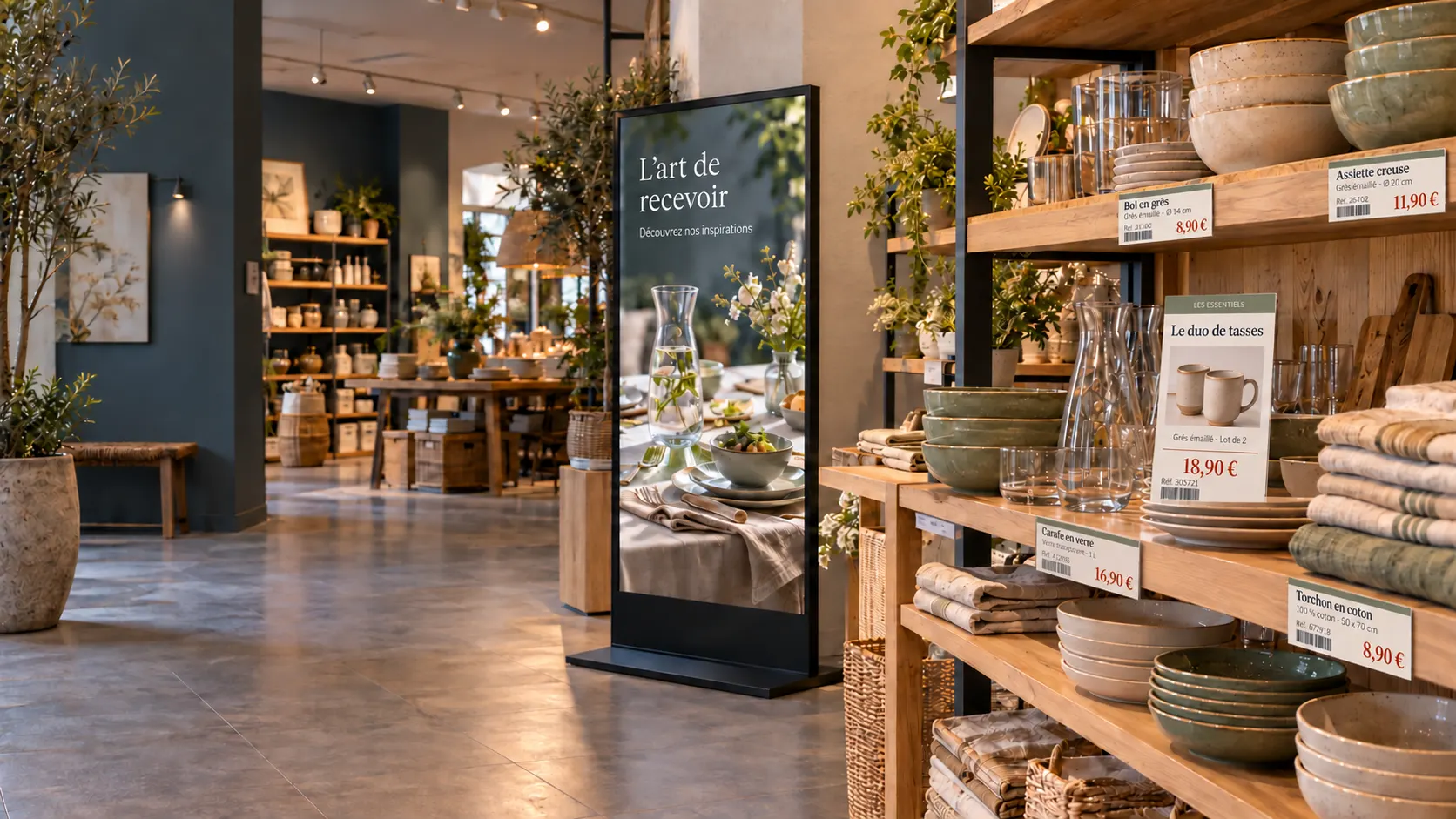
Print, screens or local needs: every display reuses the same content, in the right format.

Print signage & POP
Up-to-date posters from your product data
Import your catalogs or connect your product data to generate posters with the right prices and references, and product images when they are available in your data source.
Discover
Digital signage
Your screens, scheduled from Toucan®
Organize playlists, schedule campaigns and manage the screens in your stores.
Discover
In store
Adapt without starting from scratch
Local teams produce their own displays with the right content and the right formats.
DiscoverFrom headquarters to stores
Consistent communication across your network.
Headquarters manage the campaigns; stores customize them within the agreed framework.
Headquarters
Prepare the campaign
Templates, prices, images and brand rules are centralized before release.
Stores
Adapt locally
A corrected price, a changed promotion, a local need: teams adjust their displays without re-entering the campaign.
Displays
Publish on paper or on screen
Posters, POP materials and screen content stay consistent, even when operations change quickly.
- Brand identity preservedTemplates approved by the retailer
- Local adaptationWithin the framework set by headquarters
- Less re-keyingOne set of product information, several displays
- Multiple storesOne shared working base for the network
Complementary solutions
Enhance your customer experience.


EZad support
Retail expertise that goes beyond software.
EZad installs and configures your solutions and their devices. Our training team helps your staff get started with the solutions. Beyond installation, our free helpline is available to all our customers Monday to Friday.
Hardware: we can supply your printers, plotters, screens and players, or work with your existing equipment once its compatibility has been checked.
Data and needs
Analysis of your product databases, poster formats, screens and store objectives.
Templates and configuration
Installation and configuration of the solutions and devices, template creation, data integration.
Training and launch
Our training team helps your staff get started with the solutions, before a gradual rollout.
Support and improvement
Free helpline Monday to Friday, adjustments and long-term follow-up of how the solutions are used.
How much does a solution like Toucan® cost?
The budget depends on the number of stores, the modules and the integration. EZad assesses your organization, your retail signage needs, your product data and your expected use cases to recommend a suitable setup.
Can Toucan® connect to a product database, ERP or back-office system?
Yes. Toucan® can use interactive catalogs, product databases or data from your ERP and back-office systems, such as Aladin, Abaco or Gestmag. The connection depends on your technical environment and the data available. Product information can then feed in-store posters, POP materials and screen content.
How long does it take to deploy Toucan® across a store network?
The timeline depends on the number of stores, the formats to prepare, the data to integrate and the level of support required. EZad usually works step by step: scoping, installation and setup, template creation, training and progressive rollout.
Can print posters, POP materials and in-store screens be managed with the same software?
Yes. Toucan® can create in-store posters, POP materials and digital signage content from a shared working base. Teams can adapt the same campaign across print and screens while keeping communication consistent across locations.
Does EZad support installation, training and ongoing assistance?
Yes. EZad’s support team installs and configures your solutions, along with your printing devices (printers, plotters) and display devices (screens, players). EZad also integrates your data and designs your templates. Our training team helps your staff get started with the solutions and can also be reached by phone every day for quick questions. Beyond installation, a free helpline supports all our customers Monday to Friday. For hardware, EZad can supply printers, plotters, screens and players, or work with your existing equipment once its compatibility has been checked.
Ready to structure your communication?
Centralize posters, POP materials and screens with Toucan®.
A first conversation about your data, campaigns and displays, followed by a demo tailored to your organization.